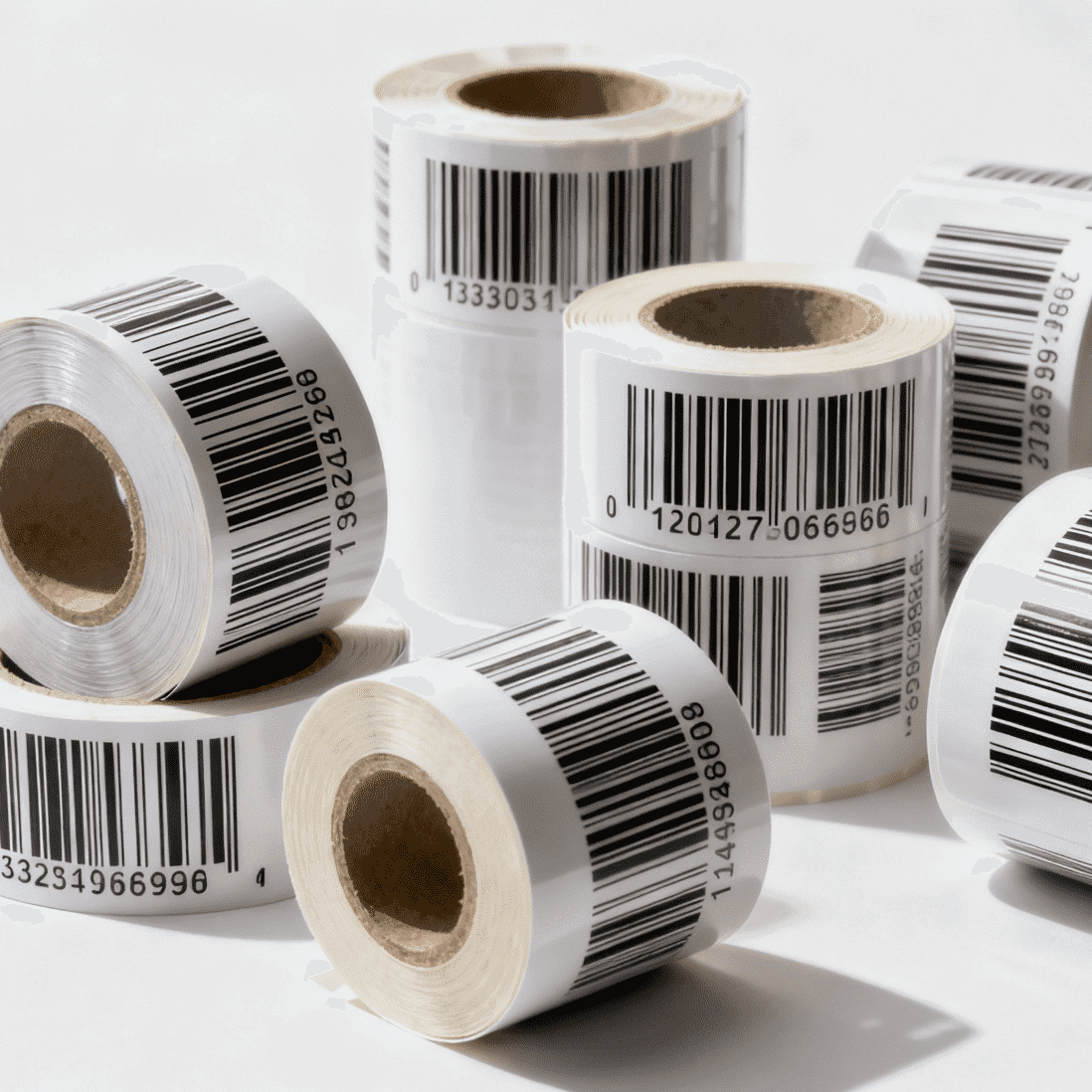
Private-label receipt rolls usually slow down for simple reasons: the buyer has not locked the repeat length, the print side is unclear, the QR code is too close to the edge, or nobody owns final sign-off. A clean artwork process shortens the first order cycle and protects repeat orders from version drift. This checklist is written for distributors and brand owners buying custom thermal rolls for North America.
Freeze the commercial brief before artwork starts
Artwork proofing should begin only after the buyer fixes the base roll specification. Designers cannot solve a moving production target. Put the physical roll spec into the RFQ first:
- Roll size, such as 80 x 80 mm or 57 x 40 mm
- Core size and winding direction
- Number of print colors
- Print side and repeat length
- Standard paper or top-coated paper
- Carton quantity and carton label language
If any of those points stay open, the proof cycle will become a pricing cycle, then a technical cycle, then an approval cycle. That is where weeks disappear.
Buyers should also decide the purpose of the print. Is it a logo program, a coupon program, a QR promotion, or a compliance notice? Each purpose affects repeat length and layout density. For a simple logo program, a long repeat can control cost. For coupon content, the buyer may need a shorter repeat and tighter revision control.
You can align the project scope with the private-label page before artwork files are exchanged.
Review the proof like a production document
Treat the proof as a production record, not as a concept mockup. The buyer should verify whether the supplier's proof matches the approved order data line by line.
Use a proof checklist like this:
| Check item | What to confirm |
|---|---|
| File version | Revision code, date, and approver name |
| Roll construction | Size, core, winding, and print side |
| Color count | Spot colors and black coverage |
| Repeat length | Exact repeat in mm |
| QR or barcode area | Minimum code size and quiet zone |
| Text review | Country spelling, phone numbers, URLs, expiry notes |
Practical review rules help a lot:
- Keep QR codes at a readable size, often no smaller than 15 x 15 mm for simple consumer scans.
- Reserve a quiet zone of at least 2 mm around the code.
- Avoid placing critical text too close to the cut edge.
- Confirm whether the print repeats from the leading edge or the trailing edge.
- Mark the final approved file as "production release" and store it with the PO.
Do not accept a verbal "same as last time". If the proof has any new offer code, URL, legal line, or color adjustment, give it a new revision number and reapprove it. That small discipline prevents the most common repeat-order dispute.
Control packaging marks and repeat-order logic
Private-label orders often fail at receiving, not at print quality. The buyer may approve the roll art but forget the carton language, customer item code, or pallet mark. Those details matter when the order lands at a 3PL or a chain DC.
Before production release, confirm:
- Inner label wording if required
- Carton label fields: customer SKU, roll size, roll count, PO number, lot number
- Pallet label fields and destination code
- Whether mixed artwork versions are forbidden in one shipment
- Whether overrun or underrun tolerance is allowed
Repeat orders need their own rule set. Buyers should record which items can be reused without a fresh proof and which items force a new approval. A sensible policy is:
- Reuse the previous approved artwork only if the roll spec, logo, text, code, and contact details stay unchanged.
- Reissue the proof if the QR destination changes, if a coupon date changes, or if the carton mark changes.
- Recheck samples if the paper grade or print density changes.
That approach keeps the process commercial and practical. It does not bury the team in paperwork, but it does stop preventable version mistakes.
Build a simple sign-off workflow
The buyer should assign one final approver and one backup approver. Too many reviewers create slow comments and unclear ownership. A short sign-off flow works better:
- Purchasing confirms physical roll spec.
- Marketing or brand team checks logo, colors, and QR destination.
- Operations checks carton marks and receiving labels.
- Final approver releases the production proof.
If the project is urgent, collect comments in one review window instead of running separate rounds. That alone can cut several days from the first order schedule.
When the team is ready, route the program through the contact page or combine the proof request with a commercial discussion through the quote form.
Frequently Asked Questions
Can repeat orders reuse an old artwork file without a new approval?
Only if nothing important changed. If the logo, QR link, offer text, phone number, or carton mark changed, issue a new proof and log the new revision.
Who should approve the final proof?
One named approver should own the release. A backup approver is useful. A long approval chain usually delays the order without improving quality.
What is the most common proofing mistake?
Mismatch between artwork and production data. The buyer approves the visual layout, but the repeat length, print side, or carton mark is still wrong.
Should buyers request a physical sample for the first custom order?
Yes, especially when the order includes QR codes, coupons, or dense print. A physical sample shows whether the live print is readable and whether the repeat feels correct on the actual roll.
Related Posts
Send Your Inquiry Today
Tell us the product, dimensions, material, quantity, and destination. We will review the right specification before quoting.
Submit your requirement